
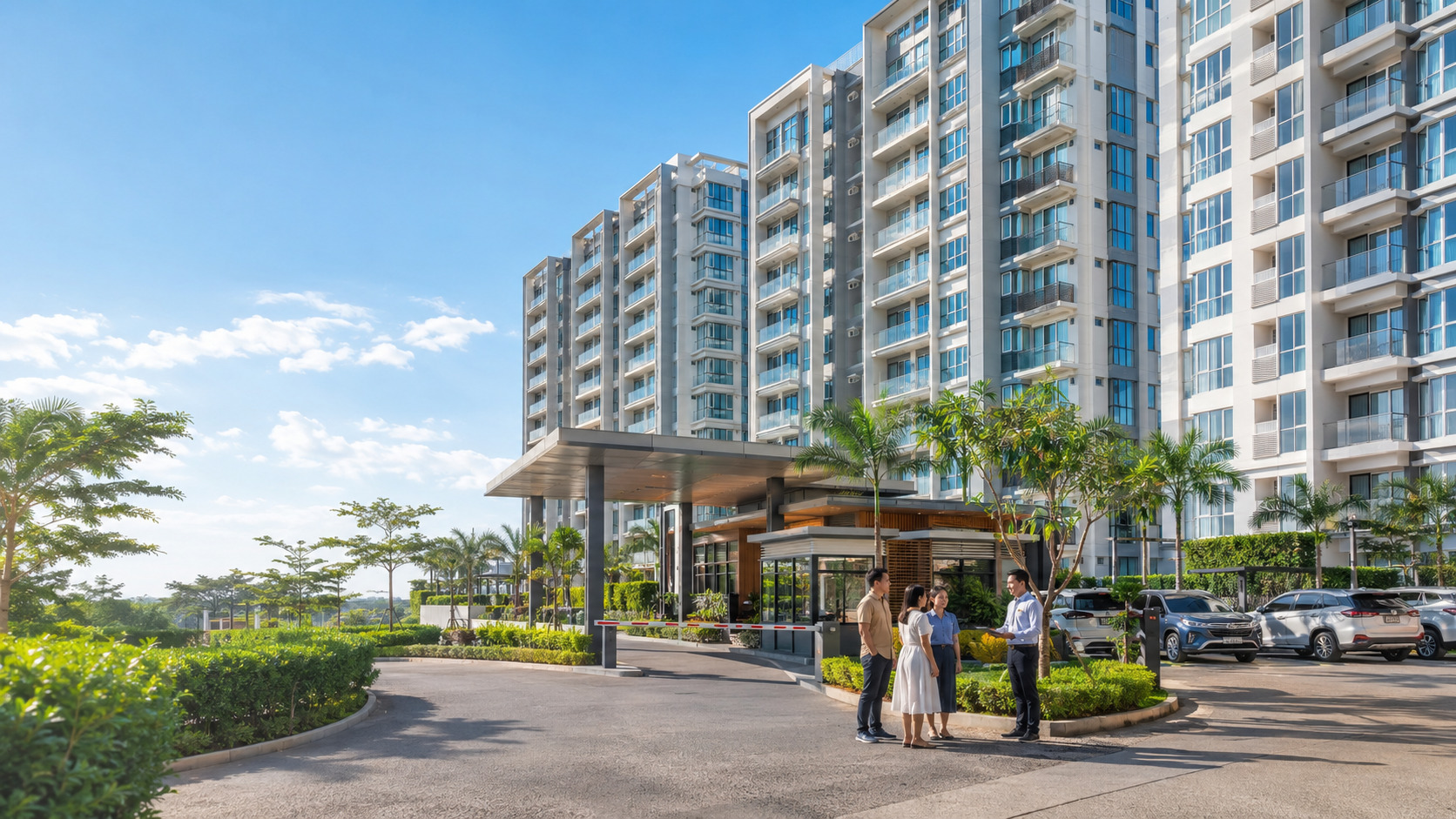
A condo management system Philippines property teams use should bring daily records, requests, responsibilities, and updates into one organized process. It should help administrators coordinate resident information, billing, maintenance, visitor access, work permits, announcements, documents, and management reports. The goal is not to replace the condominium’s master deed, bylaws, policies, or professional judgment. The goal is to give each authorized team a clear record of what needs attention, who is responsible, and what has already been completed.
For example, imagine a resident submits a maintenance request to fix a leaking faucet. The request can be recorded with the relevant unit details and reviewed through the property’s maintenance workflow. Authorized personnel can assign the request, monitor its status, record service updates, and confirm completion based on their responsibilities. Residents can also stay informed through the available maintenance updates included in the property’s approved setup.
What Is a Condo Management System?
A condo management system is a digital platform used to organize condominium property management activities. It creates a shared operational record for administrators, accounting staff, maintenance personnel, security teams, and residents while preserving appropriate access limits for each role.
For rental properties, see how an apartment and residential management system organizes tenant records, payments, maintenance, occupancy, and communication.
In the Philippines, a condominium includes individually owned units and interests in common areas. Republic Act No. 4726, or the Condominium Act, also recognizes the role of a condominium corporation in holding title to common areas under the conditions set by law. A management platform does not define ownership rights or change governing documents. It supports the daily administrative work required to operate the property.
Good condo administration software should make routine work easier to follow. A request should move from submission to review, assignment, action, and closure without losing important details. An authorized user should see the current status without searching through several spreadsheets or message threads.
Why Do Disconnected Condo Records Cause Delays?
Condominium teams often collect complete information but store it in separate places. Unit records may sit in one spreadsheet, payment evidence in email, repair requests in chat messages, visitor approvals on paper, and renovation schedules in another file. Each record may look accurate on its own, yet the overall process lacks a dependable connection.
This setup creates common problems:
Front-desk staff may hold outdated occupant details after a move-in or move-out.
Accounting staff may spend time matching payment evidence from several channels.
Maintenance teams may receive requests without a precise location, access schedule, or photo.
Security personnel may receive incomplete visitor or contractor approval information.
Administrators may struggle to prepare a current report for management review.
Connected condo operations management does not mean giving every employee access to every record. It means linking the necessary information, status, and responsible role while applying suitable access controls.
Effective condo operations management also depends on agreed procedures, trained users, and regular record reviews. Staff training is most effective when approached through practical onboarding sessions for new users, regular workshops, and refresher courses as the system or workflows change. By providing clear guides and scheduled learning sessions, administrators can help ensure that all team members understand their roles and maintain consistent, effective use of the condo management system.
Which Condominium Workflows Should the System Connect?
Unit, owner, tenant, and occupant records
Administrators need a reliable way to distinguish the unit owner, tenant, authorized occupant, emergency contact, and other approved contacts. Updates should follow a defined process after a unit transfer, new lease, move-in, move-out, or change in household information.
The record should show when information was updated and which authorized person made the change. A detailed resident-record procedure belongs in a separate guide, while the pillar page should explain how the record supports other workflows.
Billing, payments, and account follow-ups
Condo billing and maintenance often involve different teams, but both depend on clear unit and contact records. Accounting personnel need organized billing schedules, payment records, submitted proof, adjustments, exceptions, and follow-up status. Administrators also need a clear boundary between accounting records and operational notes.
A system should support an orderly handoff from billing preparation to payment review and exception handling. Billing, collections, expenses, payment records, and financial transactions can be organized and monitored within the approved property-management setup. However, tasks like account reconciliation, handling complex payment disputes, making financial adjustments, managing compliance with tax regulations, and approving exceptions still require manual input or professional review. It should not be presented as a replacement for an accountant, auditor, tax adviser, or the condominium corporation’s approved financial controls.
When evaluating condo billing and maintenance, administrators should check whether each process has a clear owner, status, and supporting record.
Maintenance requests and work status
A useful request should identify the affected location, problem, urgency, contact person, access conditions, and available evidence. The maintenance coordinator then needs a visible path from review to assignment, service update, completion, and confirmation.
The system should help authorized users separate an emergency from a routine repair. It should also preserve a service history that supports follow-up and recurring-problem review. Technical diagnosis and safety decisions still belong to qualified personnel.
Visitors, deliveries, and contractor access
Visitor and gate pass management should give security enough information to verify an approved entry without displaying unnecessary resident or guest details. The workflow may include the requesting resident, expected guest, authorized date or period, relevant entry instructions, verification status, and expiry.
Condominium policies determine the actual approval and access rules. The system should record the process without replacing security judgment or property regulations.
Consistent visitor and gate pass management also requires staff training, approved verification steps, and a process for expired or cancelled requests. If visitor handling is one of your condominium's priorities, our guide to visitor management software in the Philippines explains what to assess when comparing guest registration, entry verification, and visitor records.
Renovation and service work permits
Work permit management helps administrators coordinate applications, required documents, review status, approved schedules, contractor details, access conditions, inspection notes, and closure. Internal approval does not replace permits or clearances required by national law, local ordinances, building officials, or fire-safety authorities.
A traceable record helps engineering, administration, and security teams confirm the same approved conditions before work begins.
Reliable work permit management should also show changes, rejected submissions, expired approvals, and final closure records.
For a closer look at evaluating renovation approvals, contractor access, and material movement, read our guide to digital work permit and gate pass management for condominiums.
Amenity Booking and Shared Facilities
Condominium administrators also need to manage reservations for shared facilities such as function rooms, clubhouses, and sports courts. Clear booking schedules, request statuses, and approval procedures help property teams coordinate facility use based on approved community rules.
For a detailed evaluation, read our guide to condo amenity booking software in the Philippines.
Announcements, notices, and documents
Resident communication needs more than sending a message. Administrators should identify the intended audience, approving authority, release date, correction process, and archive location. Notices containing personal information require additional care.
Documents should follow clear categories, retention rules, and access permissions. Avoid collecting information without a defined operational purpose.
How Should Each Property Team Use Shared Records?
A connected system works best when every team has a clear responsibility.
Administrators maintain approved property, unit, resident, document, and workflow records.
Accounting teams handle billing, payment matching, adjustments, exceptions, and financial reports.
Maintenance teams review service details, update assignments, document progress, and record completion.
Security teams verify approved visitor, contractor, vehicle, delivery, and asset-movement information.
Resident-relations teams manage announcements, questions, acknowledgements, and service updates.
Management reviewers use current reports to identify delays, recurring concerns, and unresolved items.
Role-based access should match the person’s duties. Security staff do not need full accounting files. Maintenance personnel do not need unrelated resident documents. Management reports should show useful operational information without exposing unnecessary personal details.
To set access levels effectively, follow these steps:
List all user roles (such as administrator, accounting, maintenance, security, resident-relations, and management).
For each role, identify the minimum set of records and functions needed to do their work.
Assign access permissions based on these needs, limiting exposure to sensitive data.
Review access levels with the responsible team leads or management to confirm accuracy and appropriateness.
Schedule periodic reviews, especially after staff changes, workflow updates, or software upgrades.
Provide a simple reporting channel for users to flag access concerns or request adjustments.
By using a clear process, condominium teams can implement privacy controls confidently and help prevent accidental data exposure.
What Privacy and Access Controls Should Administrators Review?
Condominium corporations and property administrators handle personal information about unit owners, tenants, visitors, and other individuals. Under Republic Act No. 10173, the Data Privacy Act of 2012, organizations must follow applicable requirements when processing personal information and implementing appropriate safeguards. Property administrators should evaluate access controls, privacy notices, retention practices, and security responsibilities as part of their system assessment.
Before approving a condo management system, condominium administrators in the Philippines should review:
Which personal information the property collects and why it is needed
Who may view, add, correct, export, or delete each type of record
How users receive privacy information
How access changes when an employee, tenant, or contractor leaves
How long each record stays in the system
How corrections, access requests, objections, and other data-subject requests are handled
How the property responds to suspected unauthorized access or disclosure
Using software does not prove compliance. The condominium corporation or responsible organization must establish appropriate policies, assign accountable personnel, train users, and review its processing activities.
How Should You Evaluate Condo Administration Software?
Evaluate the software using realistic condominium scenarios rather than comparing feature lists alone. Check whether authorized personnel can locate the appropriate unit and resident records, review billing information, handle service requests, and coordinate visitor or amenity activities.
During a demonstration, identify which functions are available, which steps require staff review, and how user permissions affect access to records. The proposed configuration should match the condominium's actual operating requirements and responsibilities.
Which BahayKo Features Support Condominium Operations?
BahayKo provides property administration and resident-facing functions that condominium teams can evaluate for their daily work. Its supported areas include unit and resident records, billing and collections, service requests, visitor handling, property applications, amenity reservations, announcements, and documents. Each function serves a specific purpose, and the available experience depends on the property’s configuration and authorized user roles.
Unit, Resident, and Document Records
BahayKo supports administrative records for units, unit owners, and tenants. It also includes document-related functions, including document uploads and access to applicable files. These features can help property personnel organize information needed for routine condominium administration while keeping access responsibilities with authorized users.
Property teams should review how records are maintained when occupants change and determine which documents residents may access. A shared platform does not mean every department or resident can view every record.
Billing, Collections, and Accounting Records
BahayKo includes invoice, collection, payment-transaction, and accounting record functions. Residents can view applicable invoice information through supported mobile services, while authorized property personnel work with billing and financial records.
Condominium teams should evaluate the billing setup, collection procedures, accounting responsibilities, and reporting requirements that apply to their property. These functions do not establish automatic bank reconciliation, support for every payment method, or tax compliance on their own.
Resident Concerns, Job Requests, and Maintenance
Residents can submit concerns and use supported job-request and maintenance service functions. BahayKo also includes job-order and maintenance-related functions for property personnel, including access to relevant task information and status updates.
These capabilities can support coordination between residents and property teams. They should not be interpreted as automatic request routing, technician assignment, guaranteed response times, or completion without staff review.
Visitor Management and Property Applications
BahayKo supports invited and walk-in visitor management, with QR Code Support for applicable visitor activities. The platform also includes work permit, gate pass, and move-in or move-out functions that can be relevant to condominium administration.
Approval, identification checks, security decisions, and permitted activities remain subject to property rules and authorized personnel. A QR code or submitted request does not independently authorize entry or work.
Amenity Reservations and Community Communication
BahayKo includes amenity reservation functions and access to relevant reservation information. It also supports community announcements and applicable property policies, helping residents refer to information provided by the management office.
The condominium remains responsible for facility schedules, eligibility conditions, notice accuracy, and any required approvals. Review BahayKo’s property management features to compare the available services with your property’s operational requirements.
How Should a Condominium Prepare for Implementation?
Implementation should begin with verified records and assigned process owners. Moving incomplete or duplicate data into a new platform preserves the same operational problems.
Use a controlled preparation process:
Assign one accountable owner for each workflow and record category.
Review existing unit, owner, tenant, occupant, billing, maintenance, visitor, and permit records.
Remove duplicates through an approved correction process.
Define roles and access levels before adding users.
Test common scenarios with a small authorized group.
Train each team on the tasks relevant to its role.
Set a process for reporting errors, requesting corrections, and reviewing adoption.
A phased rollout helps the property check whether users follow the intended process. Administrators should review unresolved items, response times, duplicate submissions, and user questions. These observations help improve the workflow without making unsupported promises about financial savings or performance results.
Frequently Asked Questions
What does a condo management system handle?
It organizes administrative records and workflows such as unit information, resident records, billing status, maintenance requests, visitor access, work permits, notices, documents, and operational reports. The exact scope depends on the approved platform and property policies.
Is condo management software required by Philippine law?
The cited sources do not establish a general legal requirement for every condominium to use management software. Condominium corporations still need to follow applicable laws, governing documents, contracts, local requirements, and approved internal controls.
Does a management system replace condominium bylaws and property rules?
No. Software records and supports approved workflows. The master deed, bylaws, property rules, contracts, board decisions, and applicable laws govern the property’s rights, duties, and procedures.
Which process should administrators organize first?
Start with the process causing the most frequent delays or record errors. Common starting points include resident information updates, billing follow-ups, maintenance requests, or visitor approvals. Choose a process with a clear owner and measurable status steps.
How should a condominium protect resident information?
Collect information for a defined lawful purpose, limit access by role, keep records accurate, apply suitable security measures, set retention rules, and provide a process for data-subject requests. Consult a qualified privacy professional for property-specific compliance questions.
What should administrators prepare before requesting a demonstration?
Prepare a list of current workflows, users, record types, recurring problems, reporting needs, access restrictions, and implementation questions. Bring sample scenarios without exposing private resident data. To review the next step, contact BahayKo about your condominium workflow.
How Do Connected Operations Support Better Condo Administration?
A condo management system Philippines property teams select should make responsibilities, records, and status updates easier to follow across departments. The strongest approach starts with real operational needs, clear role assignments, appropriate access, verified data, and property-specific rules. Connected condominium property management also needs careful implementation and regular review. When administrators map each workflow before choosing software, they gain a clearer basis for evaluating whether the platform fits the condominium’s daily work.
Where Is the BahayKo Mobile App Available?
The BahayKo mobile app is available through the Apple App Store and Google Play.
Disclaimer
This article provides general property-management information. It does not replace legal, accounting, privacy, engineering, fire-safety, security, or other professional advice. Confirm requirements with qualified professionals and the government authorities responsible for the property’s location and operations.