
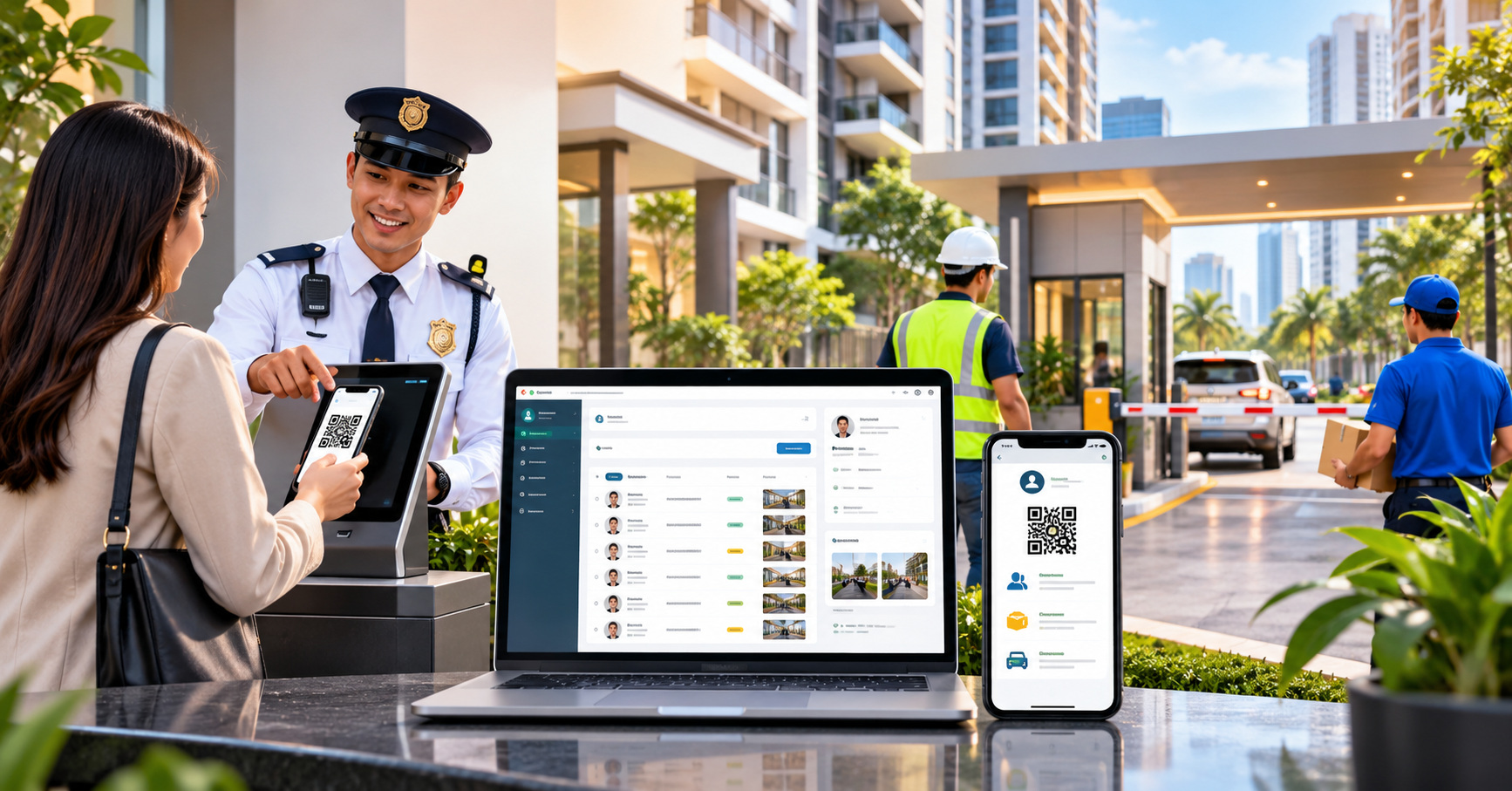
Visitor management software in the Philippines should help property teams organize guest information, support decisions on authorized entry, and maintain useful visitor records. The right system depends on who visits the property, how staff verify access, and which procedures administrators need to maintain. Condominium communities, apartment buildings, commercial developments, and industrial sites may all manage visitors, but they do not necessarily follow the same rules. Before choosing software, evaluate visitor types, information needs, staff responsibilities, privacy safeguards, and the practical limits of your current process.
What Problems Should Visitor Management Software Address?
Property teams often use logbooks, phone calls, chat messages, and separate files to coordinate guest arrivals. These tools may work for a manageable number of visitors, but they fall short when staff cannot quickly determine who was expected, who handled an inquiry, or which record to consult.
Consider a guest whose host is temporarily unavailable, a courier with multiple deliveries, and a contractor asking about a scheduled visit. Each situation involves different questions, even when all three people arrive at the same entrance. A visitor management system in the Philippines should help authorized staff follow the right property procedures without treating every arrival the same.
Look for incomplete visitor details, missing departure records, unclear responsibilities, and difficulty retrieving information. These problems show what a system should address; they don't prove software will resolve them automatically.
Which Visitor Registration and Recordkeeping Features Matter?
Begin with the information needed to recognize a visit and carry out an approved access process. Depending on the property, this may include a visitor's name, the person or unit being visited, the purpose of the visit, relevant arrival details, and a record of entry or departure. Avoid collecting additional information simply because a software field is available.
When evaluating visitor registration software, ask whether authorized personnel can identify the correct visit, review relevant information, correct mistakes, and understand a record's status. A digital visitor log should make records useful to the people responsible for them, with procedures for errors, exceptions, and incomplete entries.
Also consider unexpected visits, inaccurate host details, duplicate entries, and visitors who need assistance. Staff should follow approved procedures and document what happened.
How Should Invited Guests and Walk-In Visitors Be Evaluated?
Invited visitors and walk-in visitors are useful categories to distinguish, but the appropriate treatment depends on the property. For a guest, the team may need to know who is expecting the visitor and what information was provided in advance. For a walk-in visitor, staff may need a way to identify the intended destination and follow the property's established verification procedure.
A property manager should ask who can prepare a visitor record, what details can be reviewed at the entrance, who handles exceptions, and how staff document decisions. Those are operating-policy questions as much as software questions. A visitor application should not be assumed to grant permission solely because a record exists.
Deliveries and service visits need suitable categories too. A courier at a residential tower may require a different process from a technician entering a restricted commercial area.
How Do Visitor Needs Differ Across Property Types?
One visitor-management approach rarely fits every environment without adjustment. A property's users, entry points, operating hours, security arrangements, and contractual obligations affect which capabilities matter most.
Condominium | Resident guests, deliveries, and scheduled service visits | How authorized personnel confirm the destination and follow building policies |
Apartment or residential | Tenant visitors, prospective occupants, and maintenance visits | What records the property genuinely needs and who manages them |
Commercial | Office visitors, tenant guests, vendors, and contractors | How building staff distinguish general visits from work-related access |
Industrial | Site visitors, drivers, service teams, and contractors | How entry records relate to site-specific safety and authorization requirements |
These are examples, not universal rules. Procedures depend on each property's size, configuration, and controls.
What Is the Difference Between Visitor Management, Gate Passes, and Work Permits?
These terms may appear together in property management discussions, but they should not be treated as interchangeable.
Visitor management concerns recording and handling a person's visit. Under property rules, a gate pass may document or authorize the movement of a person, vehicle, or material. A work permit relates to permission or authorization for specified work under applicable property procedures. The organization using it must define the exact meaning of a pass or permit.
A contractor might have a visitor record but still need separate approval to perform maintenance. An entry record alone does not authorize work or establish that safety requirements were met. For a more detailed comparison of contractor work authorization and material movement in condominium settings, read our guide to digital work permit and gate pass management for condominiums.
When reviewing visitor access management requirements, ask the provider to demonstrate the distinctions relevant to your site. Don't assume a single form, QR code, or digital status replaces every approval or security decision.
What Access, Security, and Privacy Questions Should You Ask?
Visitor information may contain personal data. In the Philippines, Republic Act No. 10173, or the Data Privacy Act of 2012, and its Implementing Rules and Regulations provide the framework for lawful personal-data processing and appropriate safeguards. Relevant principles include transparency, legitimate purpose, and proportionality.
For property operators, that means defining why you collect visitor information, explaining the processing appropriately, limiting unnecessary collection, and deciding which authorized roles need access. Also consider retention, correction, access review, and secure disposal based on applicable obligations and operational needs.
Ask how permissions change when staff responsibilities change, who can review records, and how errors or incidents are handled. Software still requires clear policies and responsible oversight.
No visitor system automatically guarantees security or compliance with Philippine privacy law. Legal responsibilities remain relevant whether information is kept in a paper logbook, spreadsheet, or software platform.
Should QR Visitor Registration or Hardware Integration Be Required?
QR visitor registration may be relevant when an organization evaluates digital entry options. However, a QR code is only one part of a broader visitor process. Its usefulness depends on who creates it, how it is verified, what happens when a phone is unavailable, and how exceptions are handled.
Ask providers to show what a QR-based procedure actually involves. Does it support the property's intended use case? Who can view the visit details? What does a successful scan confirm? How do you handle expired, reused, or incorrect records? A demonstration should make these answers clear rather than relying on an illustration.
Physical gates, turnstiles, CCTV, and third-party tools have separate requirements. Confirm compatibility and implementation scope directly; never assume automatic integration.
What Should You Verify During a Product Demonstration?
A focused demonstration is more useful than a generic tour of every screen. Prepare a few scenarios drawn from the property's daily operations, then ask the provider to show how each one would be handled in the proposed setup.
Guest: What information is available to the right property personnel, and how do they handle exceptions?
Walk-in visitor: How does the team record a visit while following its own authorization rules?
Delivery or contractor: Can the relevant visit be distinguished from work permissions or material movements?
Record correction: How can an authorized user respond to an inaccurate or duplicated entry?
Privacy and access: Who can see, update, or retrieve visitor information under the proposed configuration?
Implementation: What setup, training, support, data preparation, devices, or integrations would be required?
Compare products against documented requirements and demonstrated capabilities, not the longest feature list or assumed benefits.
Which Visitor Management Features Does BahayKo Support?
BahayKo supports visitor management as part of its property management platform. Its visitor-related functions help residents and authorized property personnel handle expected guests and walk-in arrivals through more organized records. The software supports the property's visitor process while leaving entry decisions and security responsibilities with the people authorized to carry them out.
Digital Visitor Registration and Records
Property teams need a reliable way to distinguish different visits and refer to the relevant information when guests arrive. BahayKo supports digital visitor records for invited and walk-in visitors, giving staff a more organized alternative to managing every arrival through handwritten entries or separate conversations.
The information required for registration should reflect the property's visitor policies and legitimate operational needs. Digital records support coordination, but they do not remove the need for appropriate identity checks, staff judgment, or protection of personal information.
Invited Visitor Management
BahayKo includes invited-visitor functions for residents and property personnel. Residents can manage guest invitations through the available mobile experience, helping the relevant teams distinguish an expected visit from an unannounced arrival.
This is useful for condominiums and residential communities where guests regularly visit different units. Property rules still determine the information required, the permitted conditions of a visit, and the checks performed when a guest reaches the property.
Walk-In Visitor Handling
Not all arrivals are planned. BahayKo also supports walk-in visitor handling, allowing property security personnel and residents to coordinate applicable visitor requests and information within their respective functions.
For example, an unexpected guest may need assistance contacting the intended resident or determining whether a visit can proceed. A digital visitor record provides context for that interaction, while authorized personnel continue to apply the property's established approval and entry procedures.
QR Code Support
BahayKo supports QR codes for applicable invited-visitor activities. QR Code Support gives residents and authorized property personnel another way to reference visitor-related information during the property's visitor management process.
A QR code is not, by itself, an automatic entry approval. Identification requirements, security decisions, and any separate physical access equipment remain governed by the property's procedures and actual system arrangement.
Resident and Security Coordination
Visitor management often involves both the person receiving a guest and the staff responsible for property security. BahayKo includes resident-facing and security-related visitor functions, helping these users work with relevant visitor information instead of relying entirely on disconnected messages.
These capabilities can support a clearer distinction between invited guests, walk-in visitors, and other access-related requests. They should also be evaluated alongside the condominium's responsibilities for privacy, record access, and appropriate visitor handling.
To explore how these visitor management capabilities relate to your property, review BahayKo's property management features or request a BahayKo system demonstration.
How Should a Property Decide Whether to Adopt the Software?
The best approach to visitor management software in the Philippines starts with the property's responsibilities. Assess whether existing records are adequate and where coordination breaks down.
If a manual process is consistent, secure, and proportionate to visitor volume, you may not need to replace it immediately. If records are repeatedly incomplete, responsibilities are unclear, or several teams struggle to find reliable information, it may be worth evaluating dedicated software.
Choose a system only after it has demonstrated relevant capabilities, implementation requirements, privacy responsibilities, and operational fit. A better visitor process combines suitable tools with clear property rules and informed staff decisions. If visitor management is one part of a broader software decision, explore our guide to choosing property management software in the Philippines to compare property types, daily operations, and implementation requirements.
Frequently Asked Questions
What is visitor management software used for?
It helps an organization organize visitor information and support its registration, review, and recordkeeping procedures. Capabilities depend on the software and the property's policies.
Can a small apartment property continue using a paper visitor log?
Yes, if the log supports the property's legitimate needs, protects personal information appropriately, and remains practical for staff. Software becomes worth examining when recurring recordkeeping or coordination problems emerge.
Is a digital visitor log the same as an access-control system?
No. A digital visitor log concerns visitor records. Access-control systems may include separate physical devices and authorization processes. Whether software connects to those components must be confirmed with the provider.
Does QR visitor registration automatically approve entry?
No. A QR code does not, by itself, establish authorization. Any approval, verification, or entry decision depends on the system's demonstrated behavior and the property's rules.
What should commercial and industrial properties check first?
Start with visitor categories, responsible personnel, permitted areas, contractor requirements, and distinctions between entering a site and receiving permission to perform work. Confirm how the proposed software supports those existing controls.
Does visitor management software make a property compliant with the Data Privacy Act?
No. A software platform can support certain recordkeeping and access practices, but the property organization remains responsible for lawful processing, appropriate safeguards, and its other applicable obligations.
Disclaimer
This article provides general information about evaluating visitor management software for properties in the Philippines. It does not constitute legal, privacy, cybersecurity, safety, or other professional advice. Requirements and available software functions vary by property, provider, configuration, and applicable rules. Property organizations should verify the details of any proposed system and consult qualified professionals when necessary.